
☰ Menu
Menu
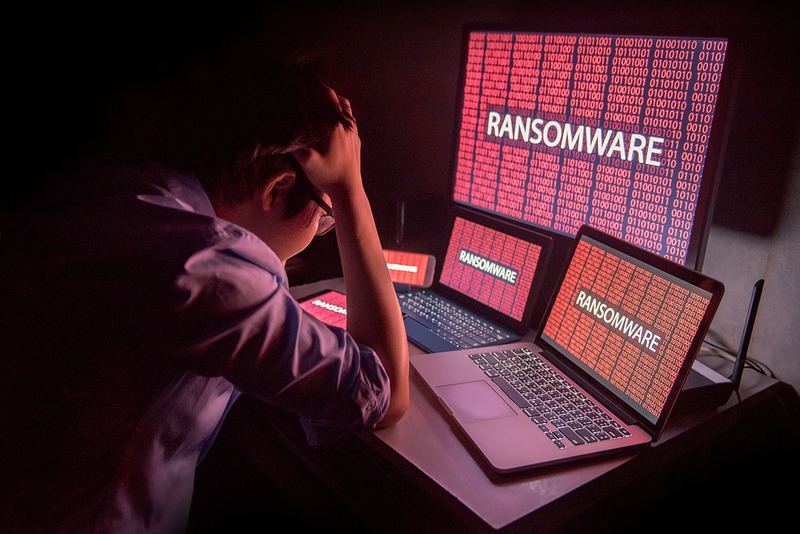
It starts quietly.
A single employee clicks a link in what looks like a routine email. No alarm sounds. No warning flashes across the screen. But somewhere in the background, malicious code begins spreading through your network - silently, methodically, and fast.
By the time most businesses realize something is wrong, the damage is already done.
Ransomware attacks are no longer a distant threat reserved for large enterprises. Today, small and mid-sized businesses, the kind that keep Daytona Beach running, are among the most targeted. And the first 24 hours of an attack are the most critical window you have.
Here's what that timeline actually looks like.
Most ransomware doesn't announce itself immediately. After the initial entry point - a phishing email, a compromised credential, an unpatched vulnerability - the attacker's code begins quietly mapping your environment.
This phase is called dwell time, and modern ransomware operators are patient. In some cases they've already been inside your network for days or weeks before triggering the encryption. But once they decide to act, the clock starts moving fast.
During these first hours:
This is why prevention and early detection matter so much. By the time you see ransomware, it's already been working against you.
The ransom note appears. Screens lock. Files become inaccessible. This is the moment most businesses realize they're under attack, and panic sets in.
Common reactions in this window include:
Here's what those rushed decisions often look like: someone shuts down a server mid-encryption, destroying any chance of forensic recovery. Or an employee plugs in an external drive to "save" files, and spreads the infection further.
Without a documented incident response plan, the first few hours of discovery are often the most damaging.
Once the initial shock passes, the real assessment begins, and it's usually worse than expected.
Your team (or your IT provider) starts asking hard questions:
This is also the window where the ransom demand comes into focus. Amounts for SMBs can range from tens of thousands to hundreds of thousands of dollars, and paying is no guarantee you'll get your data back.
By now, your business has effectively stopped. Employees can't work. Customers can't be served. Revenue is bleeding by the hour.
You're now facing three paths:
The average cost of ransomware downtime for an SMB - including lost productivity, recovery costs, reputational damage, and potential fines - is well into the six figures. And recovery often takes days or weeks, not hours. Can your business absorb a week or more of downtime? Most can’t.
Businesses with a proactive managed IT partner don't just respond better, they're significantly less likely to reach this point at all.
Here's what that looks like in practice:
At Vann Data Services, we help Daytona Beach businesses build the layered defenses that keep ransomware from becoming a catastrophe, and the recovery capabilities to bounce back fast if the worst happens.
The best time to prepare for a ransomware attack is before it happens. If you don't have a current incident response plan, tested backups, and active endpoint monitoring in place - you're one click away from a very bad 24 hours.
Let's talk. Contact Vann Data Services today to assess your ransomware readiness and make sure your business is protected.